


Smart Workouts for your goal
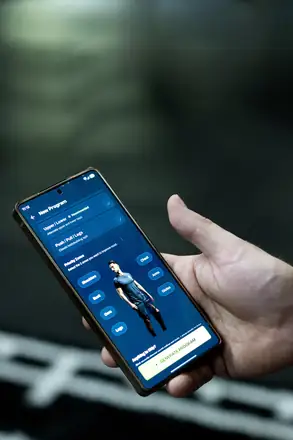
Choose Lose Weight or Get Lean and get a plan based on your goal, experience, training days and equipment. Generating a plan is part of Pro, which you can try free for 14 days.
Explore the training plan appWeight loss with strength training
Losing weight starts with what you eat. GrabGains handles the training next to it: choose the Lose Weight or Get Lean goal and the app builds a strength training plan with short rest periods. You log every set, see what you lifted last time and track your weight and body fat for free, visible only to you. The app does not count calories or track food.


Weight loss with strength training
How much weight you lose comes down mostly to what you eat: your calorie deficit accounts for the largest part of it. Strength training has a different job. If you keep lifting while in a deficit, you help your body hold on to muscle and strength. That is what this app is for: a plan, every set logged and a suggested weight for each exercise based on your recent workouts.
The Lose Weight goal
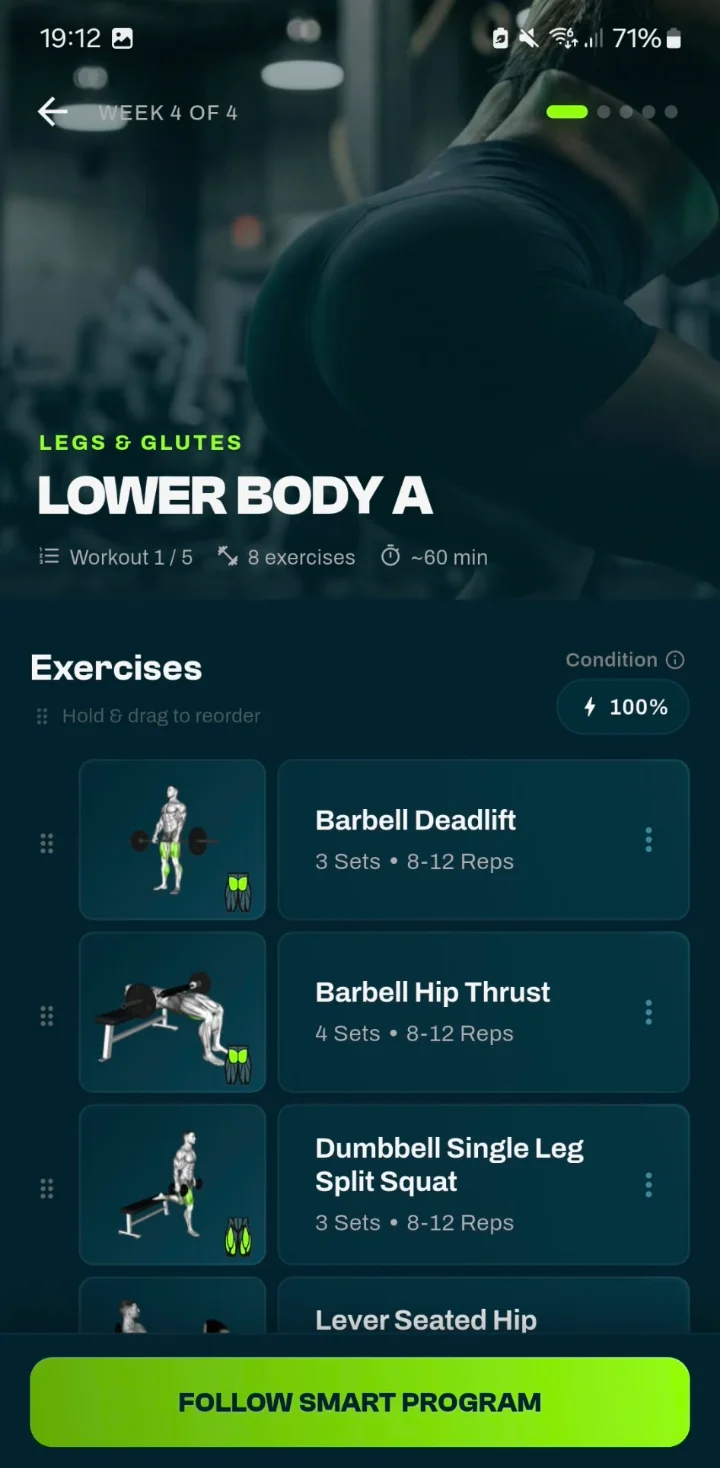
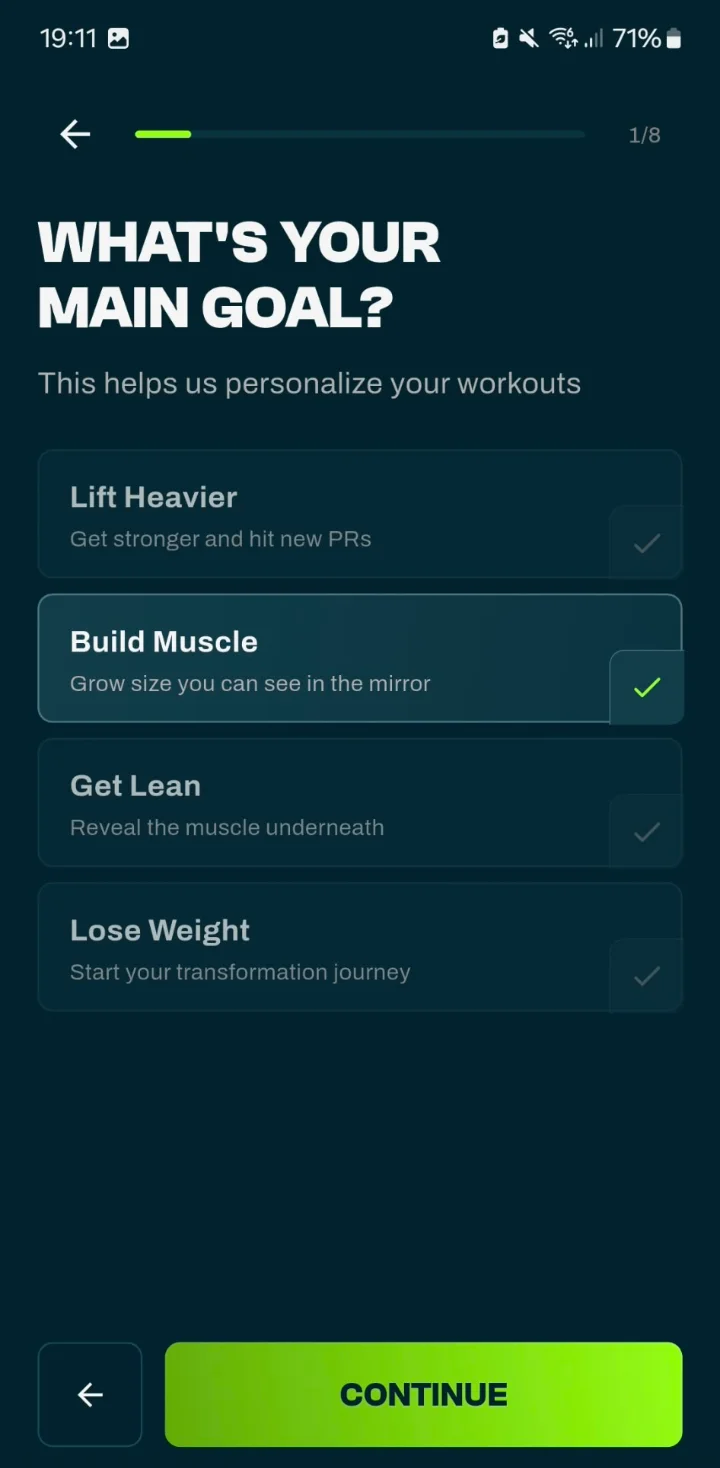
Choose Lose Weight during onboarding or in Smart Workouts and the app sets up your plan differently than for Build Muscle or Lift Heavier. A workout has 6 to 8 exercises. Compound lifts are done in 3 sets of 8 to 12 reps, isolation exercises in 3 sets of 12 to 15. Rest is the shortest of all four goals: 90 seconds after a compound lift and 45 seconds after isolation. Weights go up in steps of 1.25 kg.
Get Lean
If you mainly want to lose fat and show the muscle you already have, choose Get Lean, “Reveal the muscle underneath” in the app. It is close to Lose Weight: 6 to 8 exercises and compound lifts in 3 sets of 8 to 12 reps. The difference is in rest, isolation work and weight steps: 105 seconds of rest after a compound lift and 60 after isolation, against 90 and 45 for Lose Weight. Isolation exercises are 3 sets of 10 to 15 instead of 12 to 15, and compound lifts go up in steps of 2.5 kg instead of 1.25 kg.
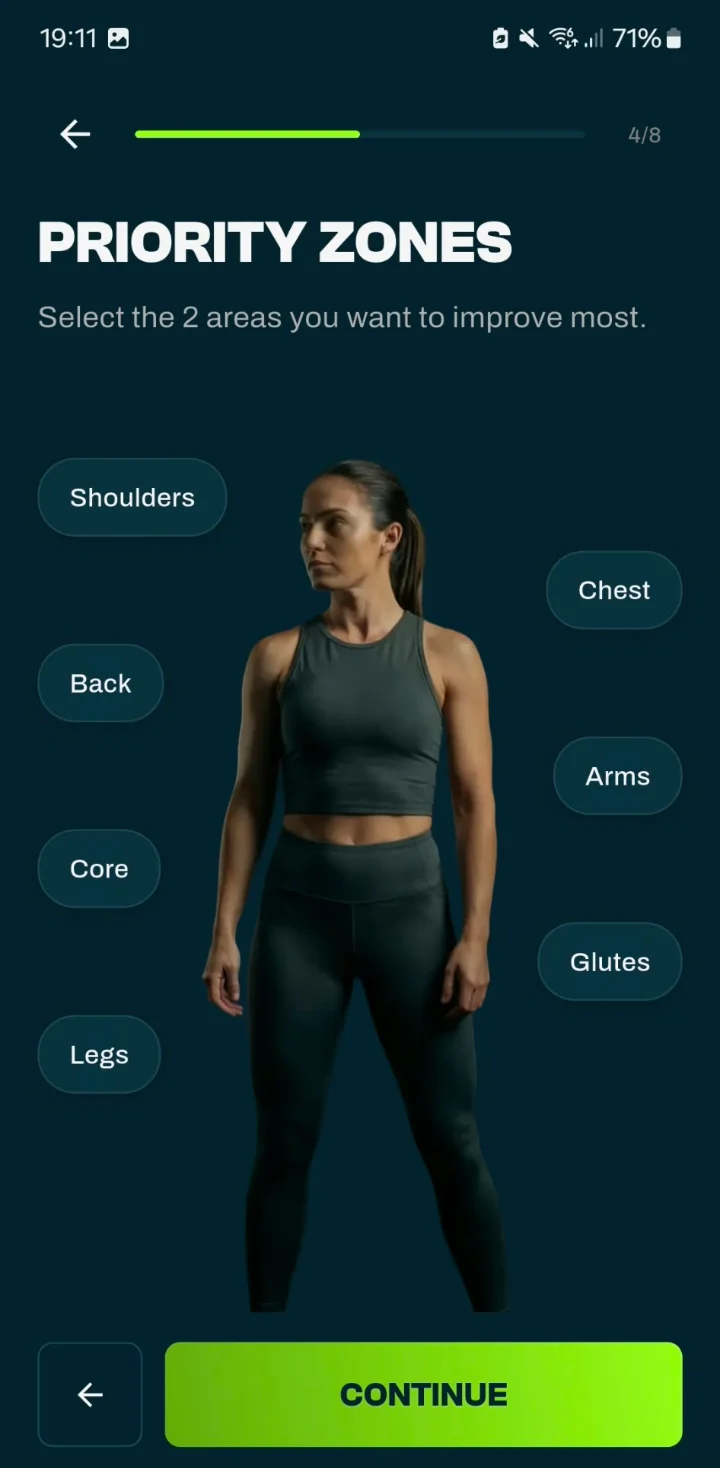
Compared with Build Muscle, Get Lean is more compact: always 3 sets per compound lift instead of 3 to 4, and shorter rest (105 and 60 seconds against 120 and 75). With Priority Zones you can give up to two muscle groups extra emphasis.
Weight and body fat
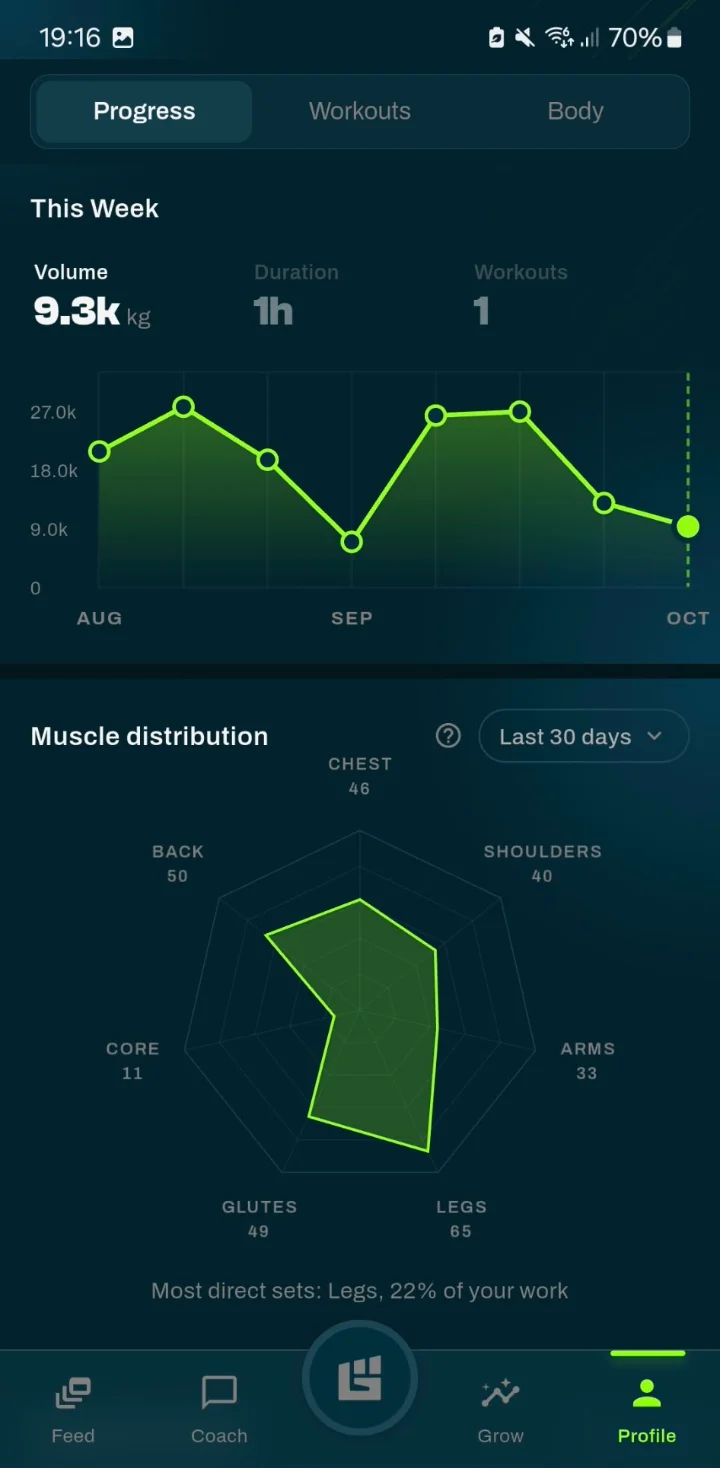
Log a weigh-in on the Body tab of your profile, with your body fat percentage if you measure it. The app shows the trend of your weight and, when you add it, of your body fat, so you don’t have to judge yourself by a single weigh-in. Weight tracking is part of the free version and only you can see it: it never appears in the feed, on leaderboards or on your public profile. The app does not track calories or food; the macro calculator gives you a starting point for calories and macros.
Circuits and cardio
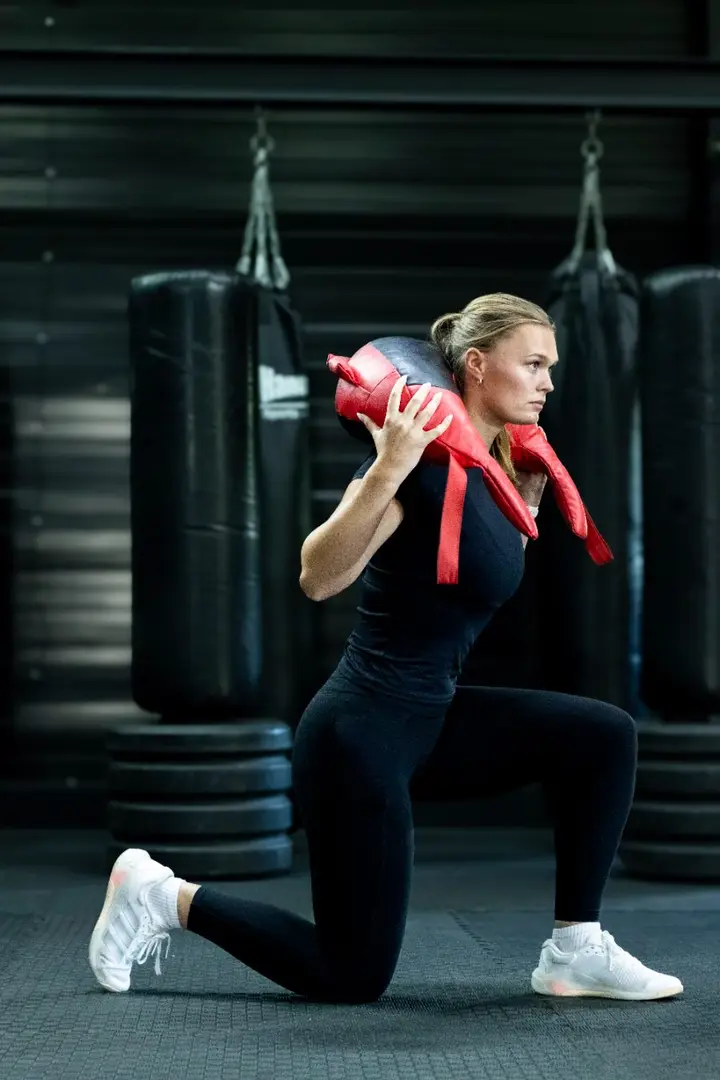
Next to your strength plan you can run a timed circuit: 2 to 10 stations, 1 to 12 rounds and a fixed rhythm such as 40/20, 30/30 or Tabata 20/10. Building your own circuit is free; having the app make one for you is part of Pro. Running, walking and cycling are tracked with GPS for free, and for those activities you see an estimated calorie burn that only you can see.
In the app
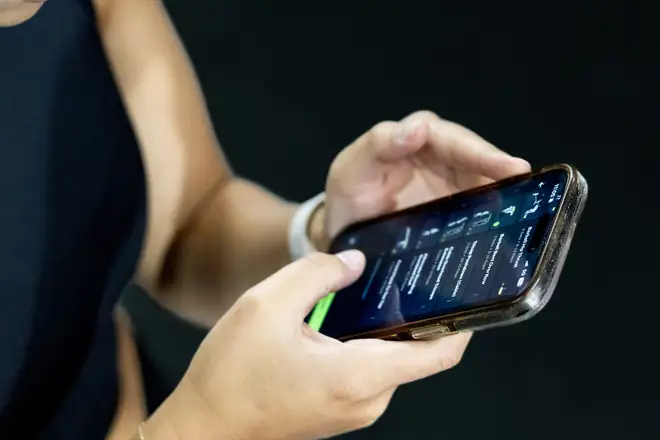
From today’s workout to your plan settings: these are the screens you use when you lose weight with strength training.
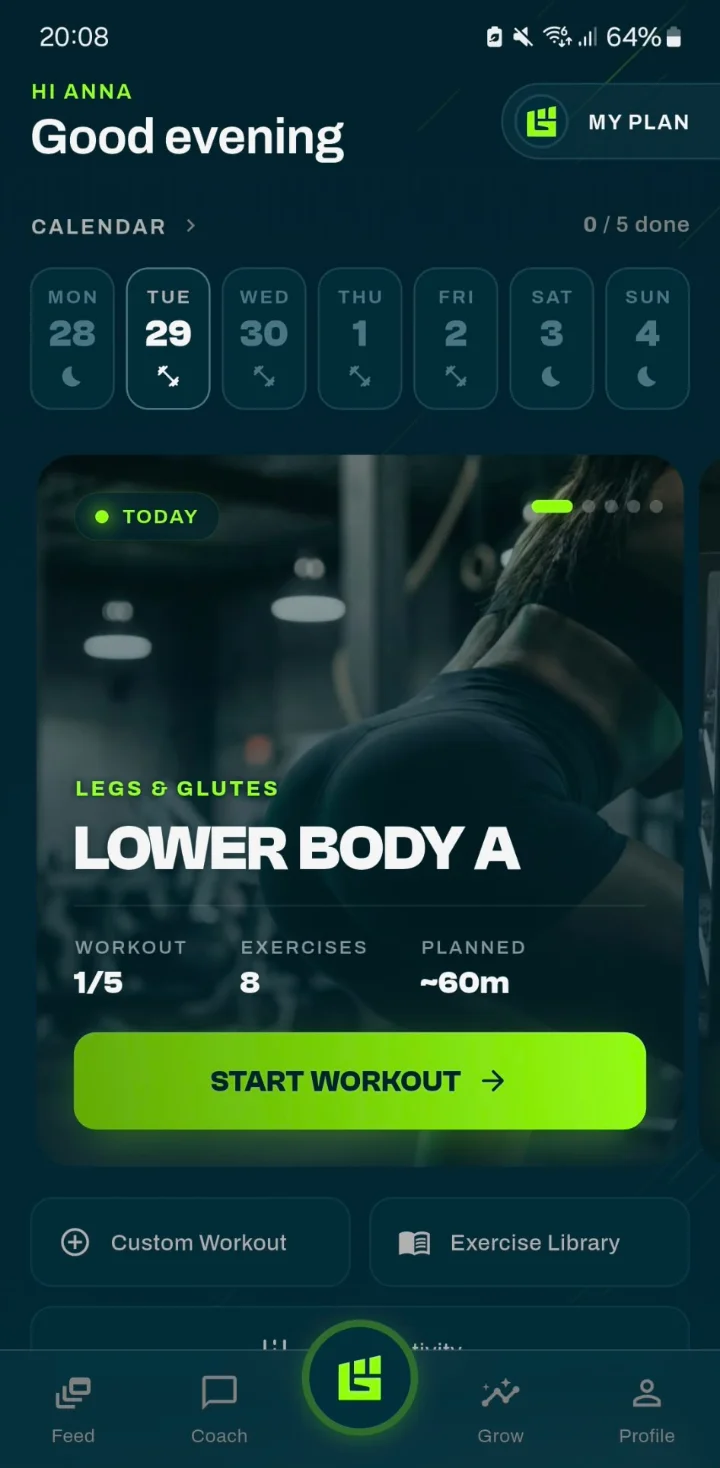
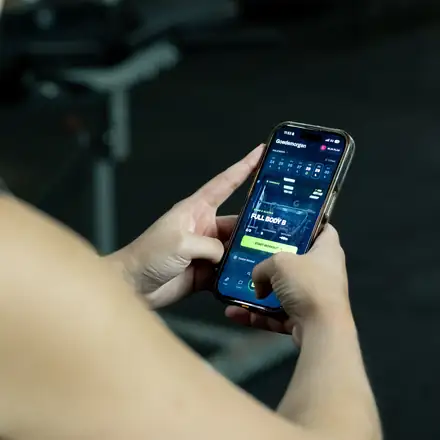
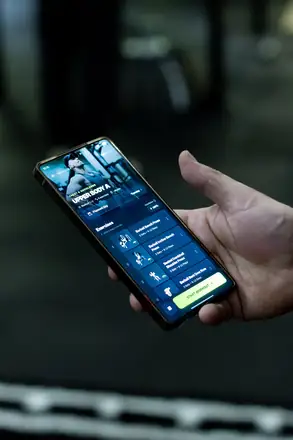
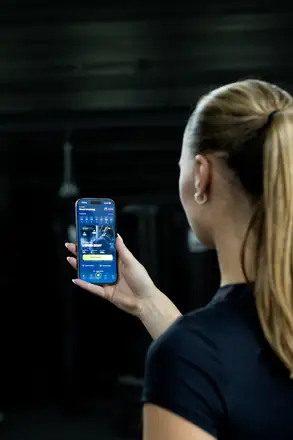
Today’s workout is ready as soon as you open the app.
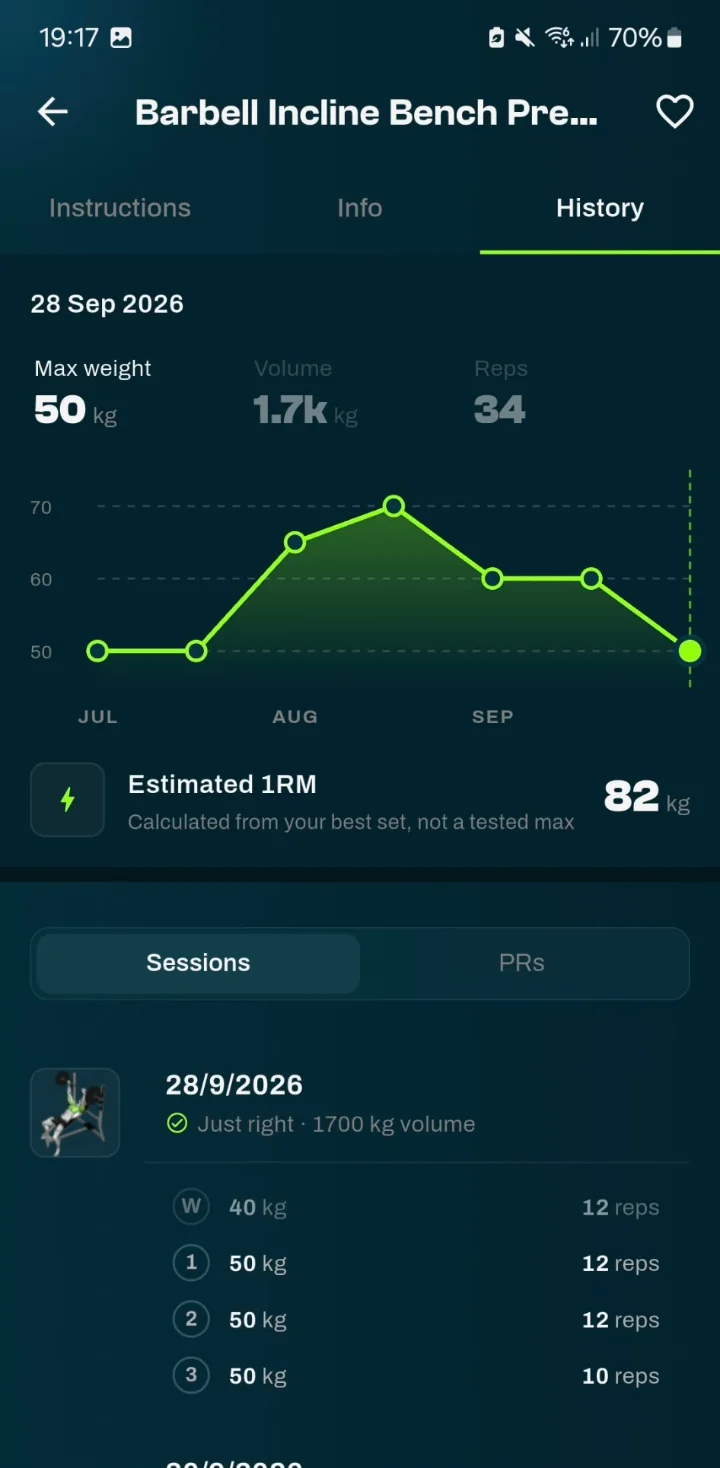
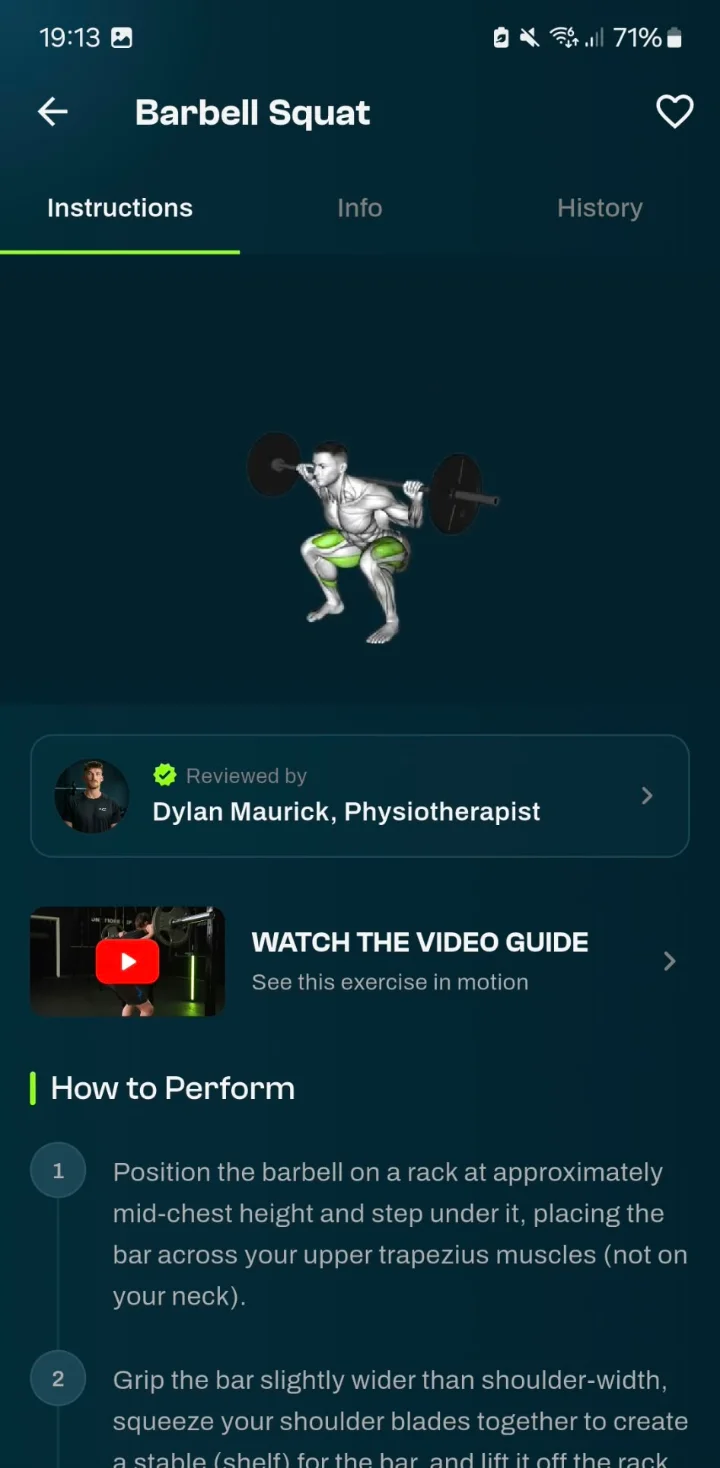
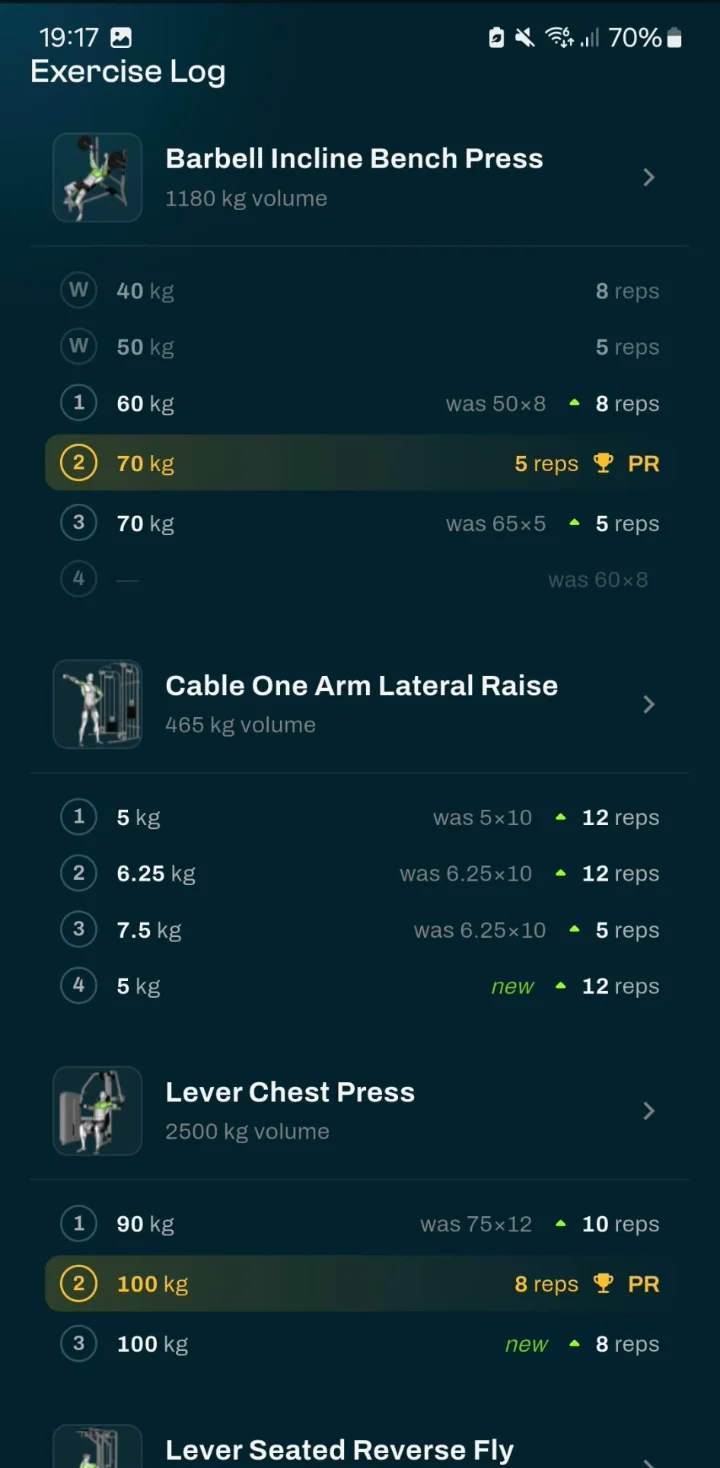
Your sessions per exercise with max weight, volume and reps. The full history and your estimated 1RM come with Pro.
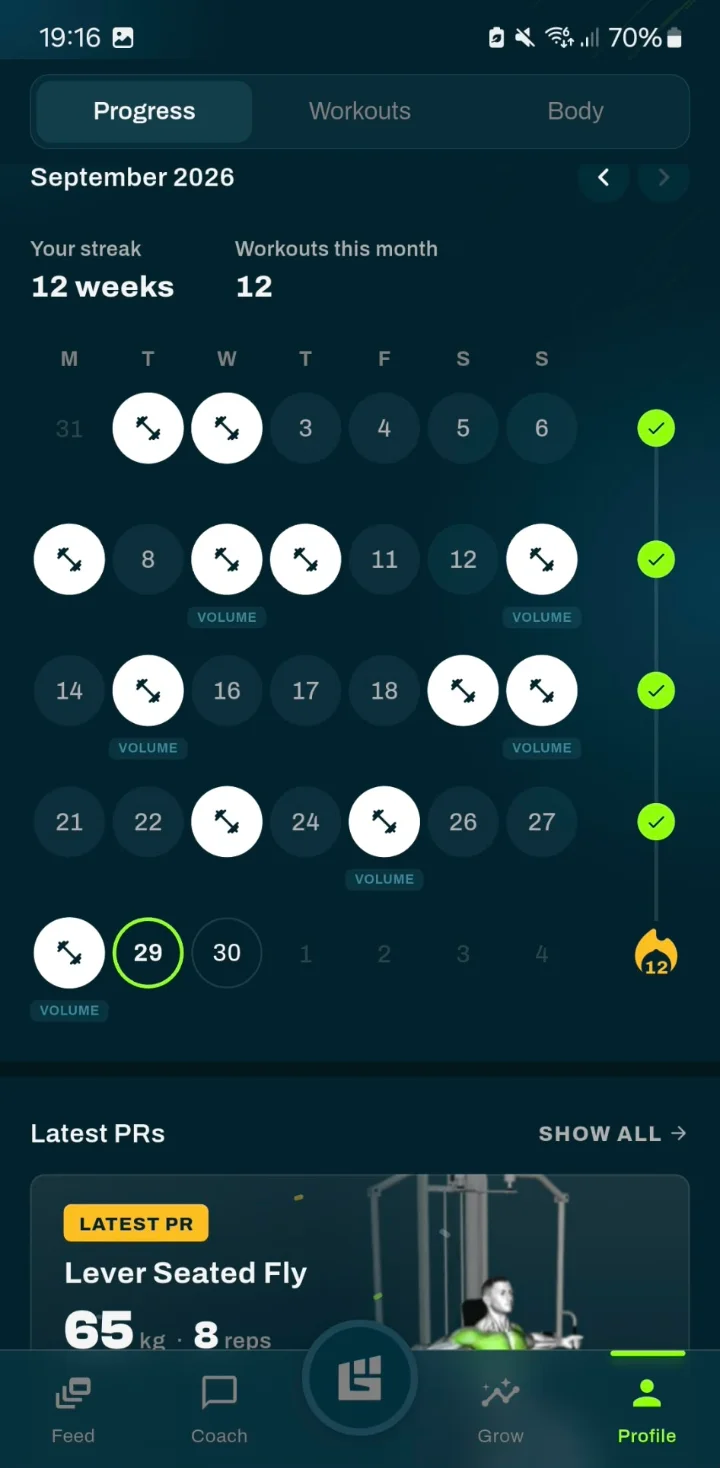
Your streak, training days and latest personal records.
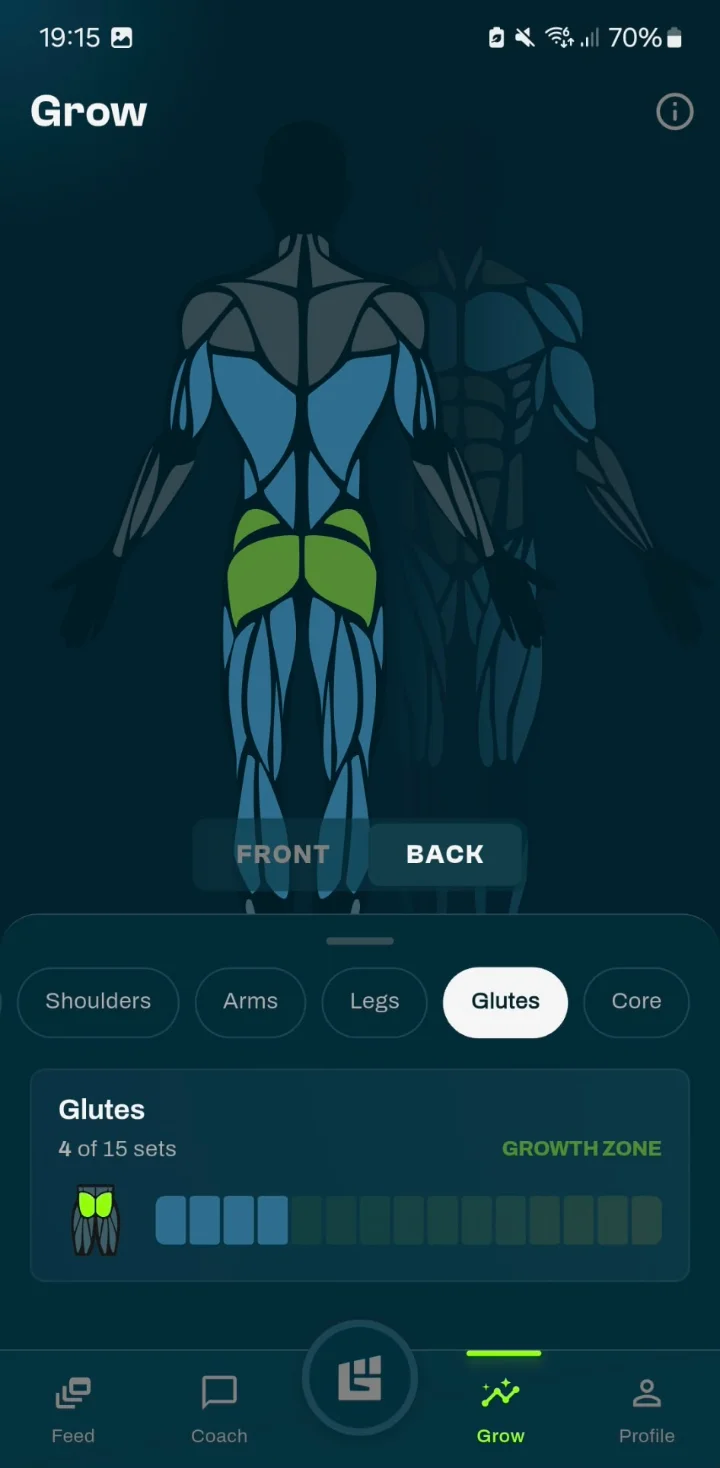
How many sets each muscle group got in the last 7 days, from maintenance to growth zone.
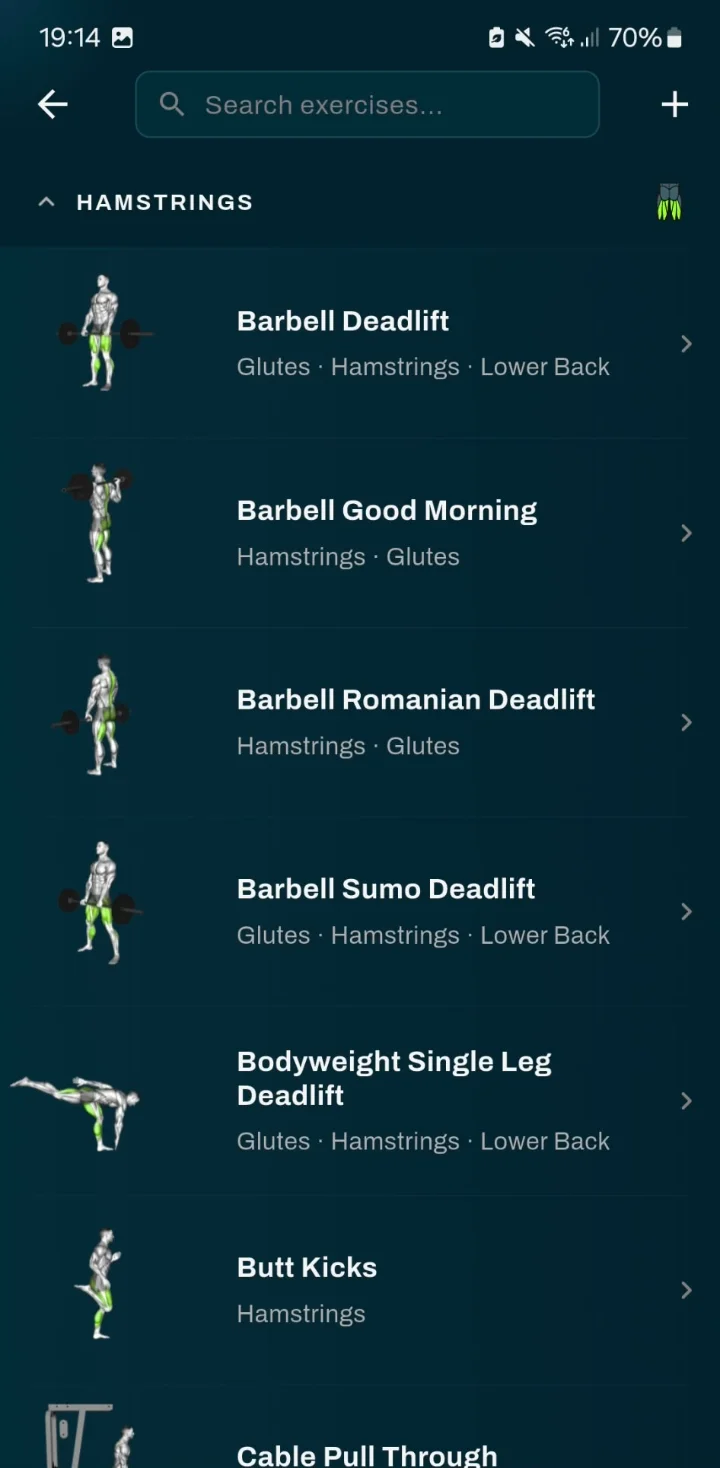
Exercises by muscle group, with instructions and a video guide where available.
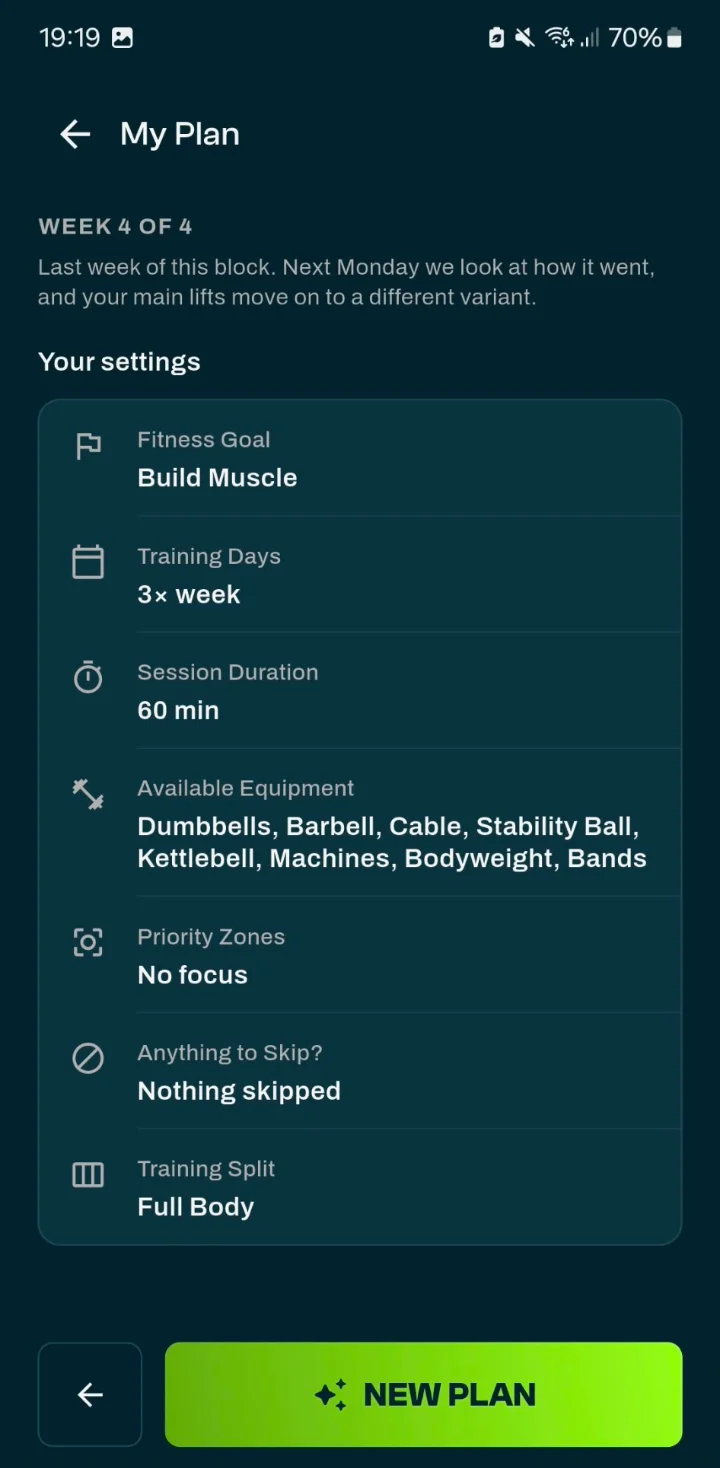
Your goal, training days, session duration, equipment and split in one overview.
This is GrabGains
A workout from start to finish: opening your plan, logging your sets in the gym and the summary when you’re done.
Why GrabGains
Lose Weight or Get Lean: the goal sets your sets, reps, rest and weight steps. You stay in control of exercises and scheduling.
Every set, rep and weight in a few taps. The app calculates your personal records, estimated 1RM and volume per muscle group for you.
The app does not count calories and has no meal plans. You handle your diet; the app handles your training and your weight.
Your plan is built around the equipment you have. Training somewhere else for a day? Change the equipment for that one workout.
Ready to start?
A good weight loss workout app gives you a plan that fits your goal, logging fast enough to do between sets and a clear view of your weight. Nutrition matters just as much, but you won’t track it in this app: GrabGains is a training app, not a diet app.
Choose Lose Weight or Get Lean and get a plan based on your goal, experience, training days and equipment. Generating a plan is part of Pro, which you can try free for 14 days.
Explore the training plan appLog sets, reps and weight in a few taps. While training you see your previous performance and a suggested next step, plus a rest timer, plate calculator and separate warm-up sets.
Go to the workout trackerTimed stations with fixed rhythms such as 40/20, 30/30 and Tabata 20/10. Building your own circuit is free, having one made for you is part of Pro.
Circuit training appTrack your activities with GPS for free. Each activity shows an estimated calorie burn, visible only to you.
GPS trackerThe app does not track calories, macros or meals. How much energy strength training burns and what trials show about lifting for weight loss is in the guide.
Calories burned with strength trainingFollow friends and share your workouts in the feed. Your weight and body fat stay out of it: only you can see them.
Discover the appComparison
A calorie app helps with your food, a separate tracker with your sets. GrabGains handles your training and your weight and is explicitly not a calorie app, so for nutrition you need something else.
| What you want | Calorie app | Separate tracker | GrabGains |
|---|---|---|---|
| A plan for your goal and equipment | Usually not | Usually not | Smart Workouts |
| Logging sets with a suggestion for next time | No | Limited | Weight suggestion per exercise |
| Tracking weight and body fat | Often | Sometimes | Yes, free and private |
| Circuits and GPS activities | Usually not | Sometimes | Yes |
| Tracking calories and meals | Yes | No | No |
Fitness enthusiasts
Really like the functionality of this app. It gives you reminders, personalized workouts to achieve your goal and tips on how to perfrom them. The perfect app for me!
MckPrk
5 out of 5 · App Store
Super good app with great workouts and a strong AI coach. Easy to track your progress and really motivating to keep training. Definitely recommend it
Dcro1
5 out of 5 · App Store
Really helped me track my progress, great and easy to use! Recommend this app to everyone.
Kathrinmv1997
5 out of 5 · App Store
Good to know
Yes, but the weight loss itself comes mostly from a calorie deficit: eating less than you burn. Strength training helps you keep your muscle and strength during that period. That is why losing weight combines a fitting way of eating with a training plan. GrabGains handles the training side and tracks your weight; your diet is up to you.
No. GrabGains has no calorie, food, macro or meal tracking. Only for running, walking and cycling with GPS do you see an estimated calorie burn, and only you can see it. For your intake, use a separate nutrition app or your own rule of thumb; the macro calculator on this site gives you a starting point for calories and macros.
Both goals give you 6 to 8 exercises per workout and compound lifts in 3 sets of 8 to 12 reps. With Lose Weight you rest 90 seconds after compound lifts and 45 after isolation, and weights go up in steps of 1.25 kg. With Get Lean that is 105 and 60 seconds, isolation in 10 to 15 reps and steps of 2.5 kg on compound lifts.
Yes. On the Body tab of your profile you log a weigh-in, with your body fat percentage if you measure it. You see the trend of your weight and, when you add it, of your body fat. This is part of the free version and it is private: your weight never shows up in the feed, on leaderboards or on your public profile.
The app is free to download. Logging workouts, tracking your weight and body fat, GPS activities and building your own circuits are part of the free version. Generating a plan with Smart Workouts, having a circuit made for you and Muscle Zone Tracking are part of Pro. New accounts get 14 days of Pro for free; prices for your country are shown in the App Store and Google Play.
Not necessarily. Your calorie deficit accounts for most of your weight loss; cardio raises the energy you burn and trains your fitness, but it is not a requirement. If you want to add it, track running, walking and cycling with GPS for free, or do a timed circuit on the days between your strength workouts.
That depends on your experience, your available time and your recovery. In the app you choose how many days a week you want to train and how long a workout may take, and your plan is built on those choices. When your week changes, you move a workout to another day. GrabGains provides general training information only and is not a medical service.
Yes. Enter the equipment you have, from dumbbells and kettlebells to resistance bands or nothing at all, and your plan is built around it. When you swap an exercise, you only see alternatives that fit your equipment. Training somewhere else for a day? Change the equipment for that one workout only.
Yes. In Smart Workouts you choose another goal, such as Build Muscle, and generate a new plan. You then get, among other things, 3 to 4 sets per compound lift and longer rest: 120 seconds after compound lifts and 75 after isolation. Generating a plan is part of Pro.
Download the app
Choose Lose Weight or Get Lean, set your level and equipment and complete your first workout within minutes. Your diet is up to you; the app handles your training and your weight.