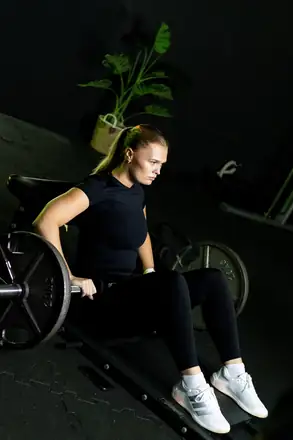
Free to build and follow
Stretch workouts in your routines and the ready-made programs in Discover are part of the free version.
Hold, switch, breathe
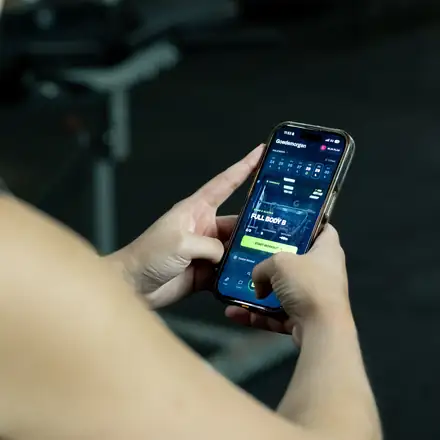
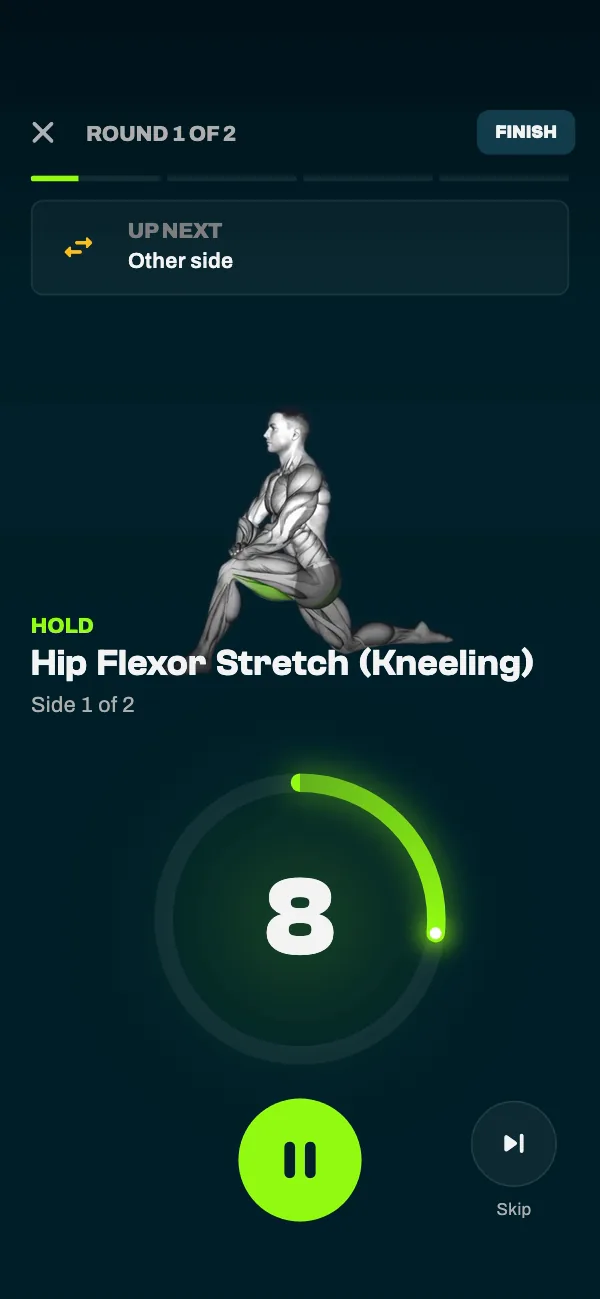
Stretch on the clock instead of counting in your head. GrabGains times every hold, tells you when to switch sides and shows each stretch on video. Build your own stretch routine, follow a ready-made one or let the app make one for you.


Pro
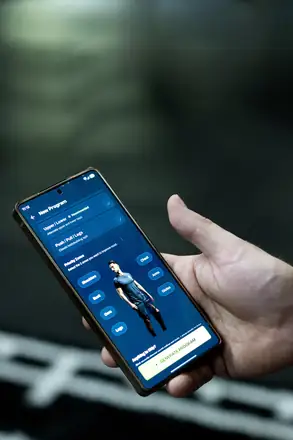
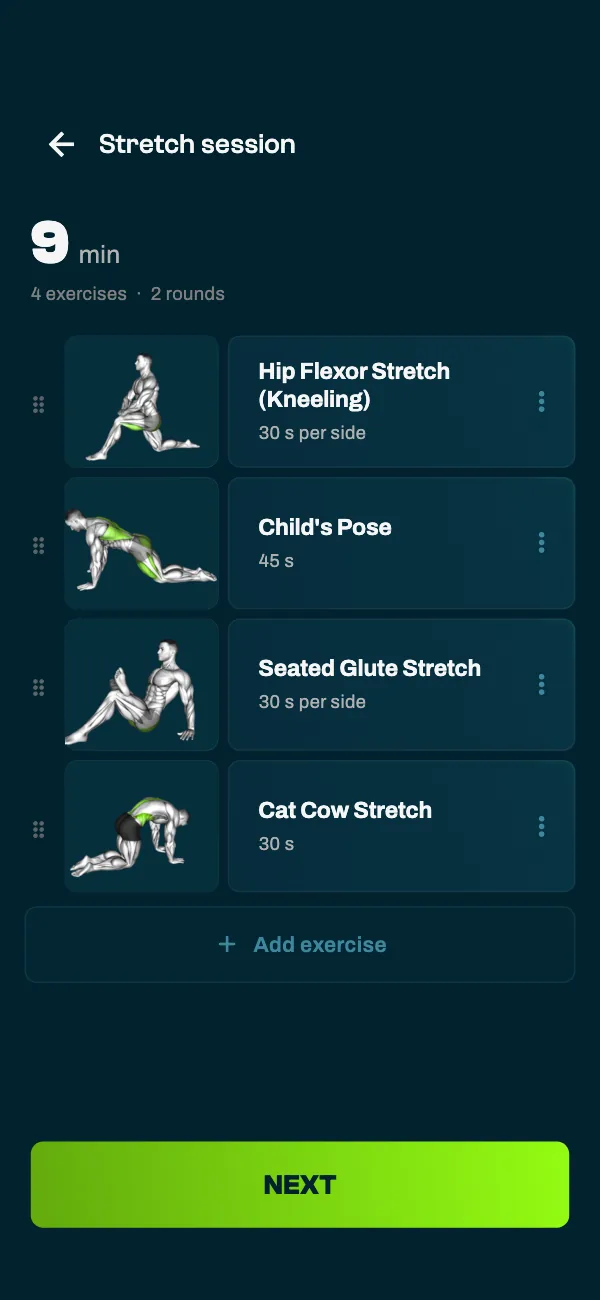
Short on time or not sure where to start? With Pro, GrabGains puts together a stretch session for you. Choose upper body, lower body or full body and 3, 5, 10, 15 or 20 minutes. You get a short list of stretches that you go through in rounds, so every stretch gets enough time.
Voice coach
Switch sides.
Breathe and relax.
Round two of two.
Stretch complete. Nice work.
Voice coach
Every hold runs on a timer, and a stretch for one side is held twice, with five seconds to switch. The voice coach tells you when to switch sides, reminds you to breathe and lets you know when you are done. It speaks English, Dutch or Spanish, and you hear beeps if you turn it off.
Your own routine
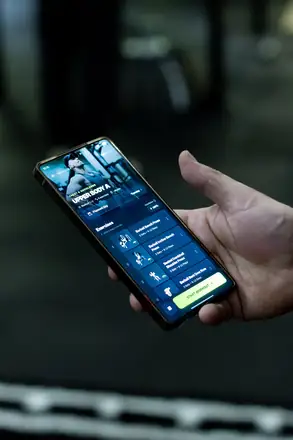
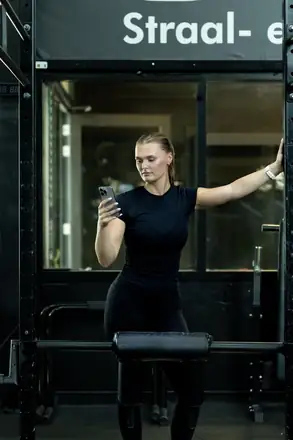
Add a stretch workout to your routines and choose the stretches yourself from the exercise library, each with its own hold time. One-sided stretches are set up for both sides. Prefer something ready-made? Discover has stretch programs, for example for after a workout or after a day at your desk.
Apple Watch and Wear OS
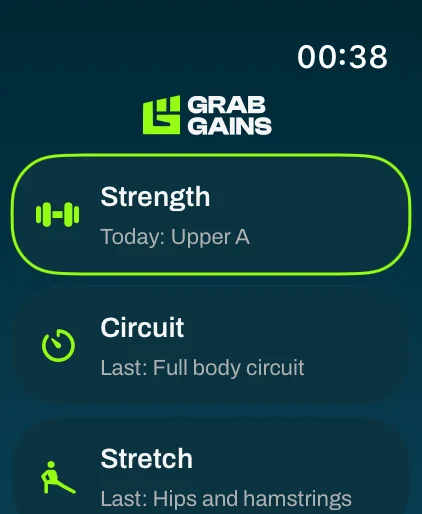
With Pro, the stretch sessions you did on your phone appear on your Apple Watch or Wear OS watch, ready to do again. The timer runs on your wrist and a double tap tells you when to switch sides. When you finish, the session goes to your phone.
Why GrabGains
A stretch routine in GrabGains sits next to your strength workouts, circuits and runs. Building your own and following the ready-made programs is free; having the app make one for you is part of Pro.
Stretch workouts in your routines and the ready-made programs in Discover are part of the free version.
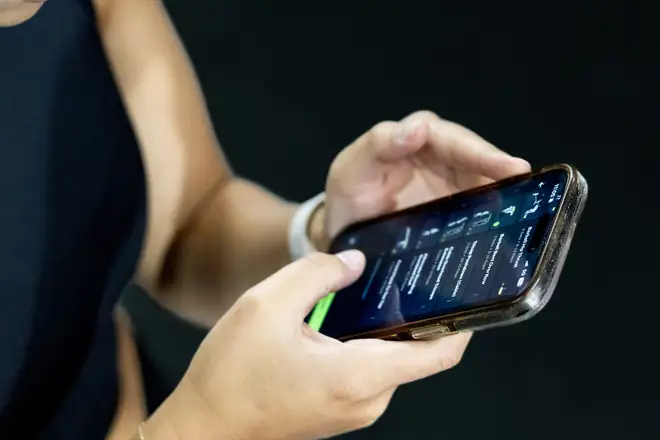
The player shows each stretch on video with a timer ring, so you know exactly what to do.
The timer runs every hold and every switch, and the screen stays on until you are done.
Every stretch in the exercise library comes with step-by-step instructions.
Stretching exercisesTimed circuits with a voice coach, for the days you want to sweat.
Circuit trainingWith Pro, do your recent stretch sessions again on Apple Watch or Wear OS.
Smartwatch appFitness enthusiasts
Really like the functionality of this app. It gives you reminders, personalized workouts to achieve your goal and tips on how to perfrom them. The perfect app for me!
MckPrk
5 out of 5 · App Store
Super good app with great workouts and a strong AI coach. Easy to track your progress and really motivating to keep training. Definitely recommend it
Dcro1
5 out of 5 · App Store
Really helped me track my progress, great and easy to use! Recommend this app to everyone.
Kathrinmv1997
5 out of 5 · App Store
Good to know
Stretching itself is free: you can build your own stretch workouts in your routines and follow the ready-made stretch programs in Discover. Having GrabGains put together a stretch session for you, and stretching on your smartwatch, are part of Pro. New accounts get 14 days of Pro for free.
As long as you like. When GrabGains makes one for you, you choose 3, 5, 10, 15 or 20 minutes and upper body, lower body or full body. You get a short list of stretches that you go through in rounds.
A one-sided stretch is held twice, once per side, with five seconds in between to switch. The voice coach says when to switch sides; with the voice off, a beep tells you.
English, Dutch and Spanish, following the language of your app. It tells you when to switch sides, reminds you to breathe and lets you know when the routine is done.
No. Stretch sessions are saved in your training history, but they do not count toward your weekly streak or toward the sets in Grow.
Yes, with Pro. Stretch sessions you did on your phone appear on your Apple Watch or Wear OS watch, up to four recent ones, ready to repeat. The watch times every hold and taps your wrist when it is time to switch sides.
Download the app
Download GrabGains, open a ready-made stretch program or build your own, and let the timer do the counting.